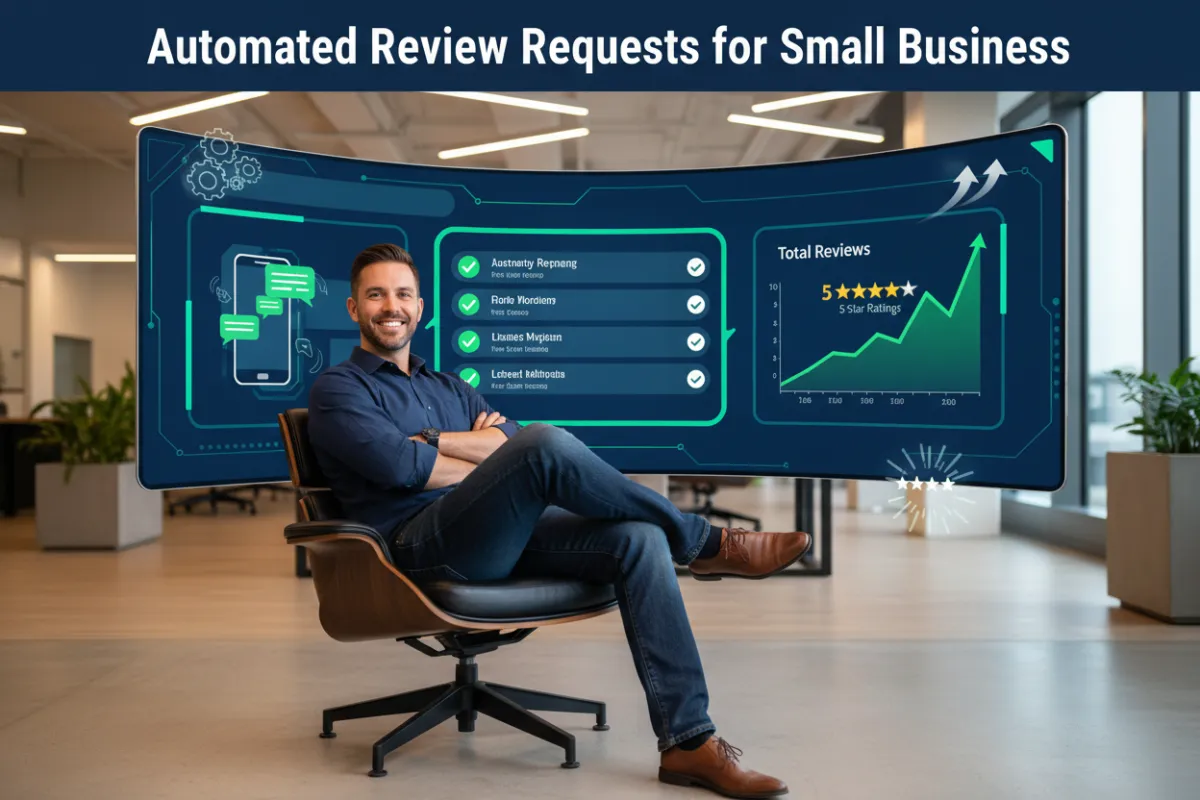
Automated Review Requests for Small Business: Why Automation Changes Everything
# Why Automating Your Review Requests Changes Everything for Small Businesses
The difference between a business with 12 reviews and one with 200 isn't luck — it's automation.
Every small business owner knows reviews matter. Most of them intend to ask customers for reviews after every job. And almost none of them do it consistently.
Not because they don't care. Not because their customers aren't happy. But because running a small business is relentless — and manually following up with every customer for a review is one of the first things to fall off the list the moment things get busy.
This is exactly why automated review requests are one of the most impactful tools a small business can implement. They eliminate the gap between intention and action, turning "I should really ask customers for reviews" into a system that does it automatically — every customer, every job, every time — without requiring a single extra minute of your day.
This is the complete guide to automated review requests for small businesses: what they are, how they work, why they outperform manual review collection in every measurable way, and how to get started without technical headaches.
---
## What Are Automated Review Requests?
An automated review request is a pre-written message — sent via text, email, or both — that is triggered automatically after a completed job or transaction, prompting your customer to leave a review on Google, Facebook, or another platform of your choosing.
Instead of remembering to reach out to each customer manually, the system handles it for you. You complete the job. The customer's details are logged. The request goes out automatically — at the right time, with the right message, and with a direct link that makes leaving a review as simple as two taps on a phone screen.
A follow-up reminder is sent automatically to customers who didn't respond to the first message. Every step of the process happens without you lifting a finger.
The result is a consistent, high-volume stream of genuine customer reviews that builds your online reputation month after month — even during your busiest periods when manual outreach would be impossible to maintain.
---
## Why Manual Review Collection Fails Small Businesses
To understand why automation matters so much, it helps to look honestly at what happens with manual review collection.
It's inconsistent. When review requests depend on you remembering to send them, they happen sometimes — not always. Busy weeks mean fewer requests. Slow weeks mean more. The result is a review profile that grows sporadically and stagnates during the periods when you need new reviews most.
It's easily deprioritized. When you're managing a team, handling customer calls, completing jobs, and running the financial side of a business, sending review requests is rarely the most urgent item on your list. Important but not urgent tasks get pushed indefinitely — and for most business owners, manual review requests fall into exactly that category.
It's emotionally inconsistent. When you're having a great day and a job goes particularly well, you might feel enthusiastic about asking for a review. When you're exhausted after a long week, the last thing you want to do is compose and send follow-up messages. Manual systems are subject to your emotional state in a way that automated systems simply aren't.
It relies on memory. How many customers have slipped through the cracks over the past year — customers who were genuinely happy with your work but never got asked for a review because you forgot, got busy, or assumed they'd leave one on their own? Every one of those missed requests is a missed review, a missed ranking signal, and a missed opportunity to attract the next customer.
It doesn't scale. As your business grows and you complete more jobs, the volume of manual review requests you need to send grows with it. Automation scales effortlessly — whether you're completing 5 jobs a month or 50, the system sends the right messages at the right time without any additional effort.
---
## The Measurable Difference Automation Makes
The impact of automated review requests on review volume is dramatic and well-documented across small businesses that implement them.
Businesses that switch from manual to automated review collection typically see:
- 3x to 5x increase in monthly review volume within the first 90 days
- Significantly higher review conversion rates due to optimized timing and direct review links
- More consistent review collection across busy and slow periods alike
- Higher average ratings because automated systems reach all customers promptly, while manual systems tend to favor customers the owner already knows are happy
The math is simple: if you complete 20 jobs per month and convert 30% of customers into reviews with automation, that's 6 new reviews every month. Over a year, that's 72 new reviews — building a profile that dominates your local search results and converts browsers into buyers around the clock.
Compare that to the 1–2 reviews per month most businesses collect manually, and the compounding advantage of automation becomes impossible to ignore.
---
## How Automated Review Requests Work: Step by Step
Here's exactly what happens from the moment a job is completed to the moment a review appears on your Google profile:
Step 1: Job completion is logged
When a job is marked complete in your review management system, the customer's contact information — name, phone number, and/or email address — is added to the automated sequence.
Step 2: Initial review request is sent
Within a pre-set timeframe — typically 1 to 24 hours after job completion — the customer receives a personalized text message and/or email. The message includes their first name, a brief personal thank-you, and a direct link to your Google review page.
Step 3: Customer clicks the link and leaves a review
Because the link goes directly to the review submission screen, the process takes less than two minutes for the customer. No searching, no navigating — just a direct path from message to review.
Step 4: Follow-up is sent if no response
If the customer doesn't click the link or leave a review within a set number of days, a friendly follow-up message is sent automatically. This follow-up captures a significant percentage of customers who intended to leave a review but got distracted.
Step 5: Review appears on your profile
The review posts publicly to your Google Business Profile, contributing to your star rating, boosting your local search ranking, and building the social proof that attracts your next customer.
Step 6: You're notified and can respond
Your review management dashboard alerts you to the new review so you can respond promptly — thanking the customer and demonstrating the engagement that signals to Google that your profile is active and well-managed.
The entire process happens automatically, every time, with zero manual effort after the initial setup.
---
## What Makes an Automated Review Request Convert
Not all automated review requests perform equally. The ones that consistently generate high conversion rates share several key characteristics:
Personalization. Messages that include the customer's first name and feel genuinely personal outperform generic, obviously templated messages significantly. Even a small amount of personalization — using the customer's name, referencing the type of service performed — makes a measurable difference in response rates.
Timing. Requests sent within 24 hours of job completion convert far better than those sent days or weeks later. The closer to peak satisfaction, the higher the likelihood of a response. Automated systems can be set to send at exactly the right moment, every time.
Simplicity. The most effective review requests are short, clear, and easy to act on. A brief thank-you, a single clear ask, and a direct link — that's all you need. Long, complicated messages introduce friction and reduce conversion.
Direct links. Including a direct link to your Google review page removes every unnecessary step from the process. Customers who have to search for your business to leave a review rarely follow through. Those who receive a direct link convert at dramatically higher rates.
Authenticity. Automated doesn't have to mean robotic. The best automated review requests are written in a warm, genuine voice that reflects your business's personality. They feel like a personal message — because in every meaningful way, they are.
---
## Automated Review Requests vs. Manual: A Direct Comparison
| Factor | Manual Review Requests | Automated Review Requests |
|---|---|---|
| Consistency | Sporadic — depends on memory | 100% consistent — every customer, every time |
| Timing | Variable — often delayed | Optimized — sent within hours of job completion |
| Volume | Low — 1 to 3 per month typically | High — 3x to 5x more reviews on average |
| Scalability | Limited — grows with workload | Unlimited — scales automatically as business grows |
| Time required | 30–60 minutes per week minimum | Near zero — set up once, runs automatically |
| Emotional consistency | Variable — depends on your energy | Consistent — same quality message every time |
| Follow-up | Rarely happens | Automatic — built into the sequence |
| Cost | Free but time-intensive | Affordable software — ROI is immediate |
---
## Common Concerns About Automated Review Requests — Answered
"Will my customers know it's automated?"
When written well, automated review requests feel personal and genuine. Using the customer's name, referencing the specific service, and maintaining a warm, conversational tone makes the automation invisible to the recipient. What they experience is a thoughtful follow-up from a business that values their feedback.
"What if a customer had a bad experience?"
Some review management systems include a feedback filter — a step before the Google review link that asks the customer to rate their experience privately. Customers who indicate a negative experience can be directed to an internal feedback form rather than a public review platform, giving you the opportunity to address the issue before it becomes a public complaint.
"Is it against Google's policies to use automated requests?"
Asking customers for reviews is explicitly permitted by Google's policies. Automated requests are simply a systematic way of doing what Google encourages all businesses to do — ask satisfied customers to share their experience. What Google prohibits is incentivizing reviews, buying reviews, or generating fake reviews — none of which automated review request software does.
"What if I only complete a few jobs per month?"
Automation is valuable at any volume. Even if you complete just 5 jobs per month, an automated system that converts 30% of those customers into reviews generates 1–2 new reviews per month — which compounds to 18–24 new reviews per year. That's a meaningful impact on a profile that might currently have fewer than 10 reviews total.
---
## How to Get Started With Automated Review Requests
Setting up automated review requests through a tool like ReviewBoost takes less time than most business owners expect. Here's the basic process:
1. Connect your Google Business Profile to the review management platform so reviews flow directly to your Google listing.
2. Customize your review request messages — your initial request and your follow-up reminder — in a voice that matches your business and feels personal to your customers.
3. Set your timing preferences — how many hours after job completion the initial request goes out, and how many days later the follow-up is triggered.
4. Add customers to the system after each completed job — either manually, through a simple form, or via integration with your existing job management tools.
5. Monitor and respond to incoming reviews through the centralized dashboard, and track your review volume and rating trends over time.
From setup to first automated review request, most small businesses are fully operational within a single afternoon.
---
## How ReviewBoost Powers Automated Review Requests for Small Businesses
ReviewBoost was built specifically to make automated review requests accessible, effective, and effortless for small businesses and contractors.
Fully automated sequences handle the initial request and follow-up for every customer without any manual intervention.
Customizable message templates let you personalize every communication in your own voice while maintaining the consistency of a fully automated system.
Direct Google review links are embedded in every message, removing friction and maximizing conversion rates.
Multi-platform support lets you collect reviews on Google, Facebook, and other platforms simultaneously — building your reputation across every channel where your customers are looking.
Real-time dashboard gives you a complete view of your review collection performance — requests sent, reviews collected, average rating, and month-over-month growth.
Instant notifications alert you the moment a new review is posted so you can respond quickly and maintain the engagement that keeps your profile ranking strong.
For small business owners who are ready to stop leaving reviews to chance and start building their reputation systematically, ReviewBoost is the tool that makes it happen — automatically, consistently, and without adding to your workload.
---
## Stop Leaving Your Reputation to Chance
Every job you complete without an automated review request is a missed opportunity. Every satisfied customer who walks away without being asked is a five-star review that your competitor might collect instead.
Your reputation is too important — and too valuable — to leave to memory, intention, and manual effort. Automation gives you the consistency, volume, and reliability that manual systems never can.
Set up your automated review requests once. Watch your reputation build itself.
---
ReviewBoost helps small businesses and contractors automate their review collection from start to finish. Visit reviewboost.ca to get started today and start building your five-star reputation on autopilot.
---
#
